 JollyDrivers

The Rider app
The operator's own app, for riders.
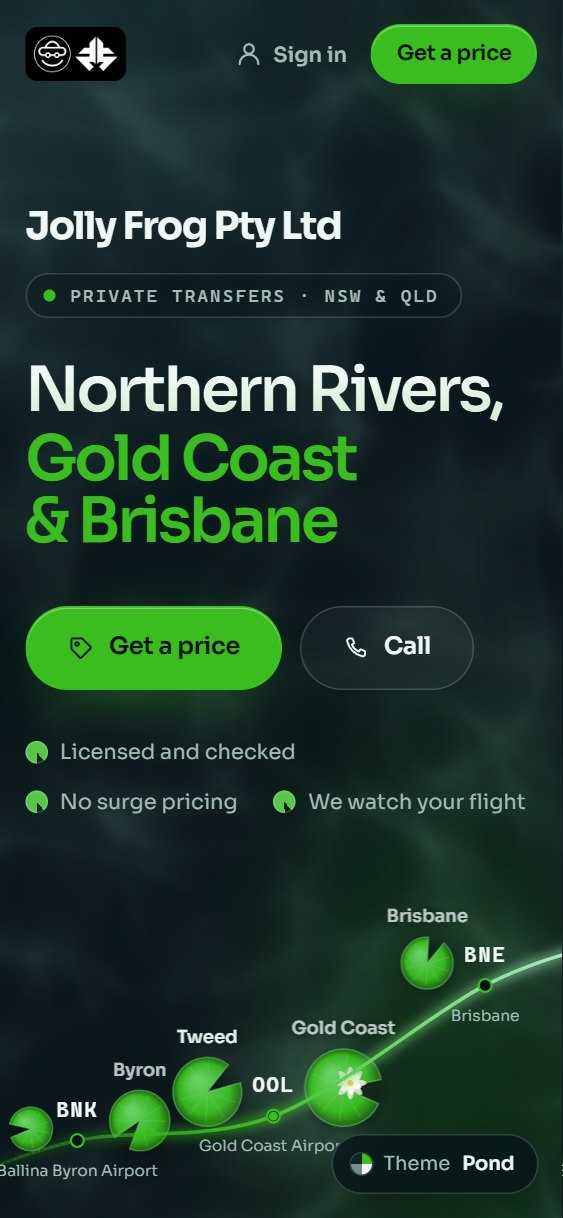
The operator's website, in their name and colours, on the rider's home screen: every driver's price, booking, the trip and paying.
Shown here as Jolly Frog's. jollyfrog.net.au is the live example; each operator's is in its own name and colours. JollyDrivers builds it from the operator's own settings and keeps it current, and during the beta sets it up with each operator.
What it does
1Every driver's priceCheapest first, with who's free then.
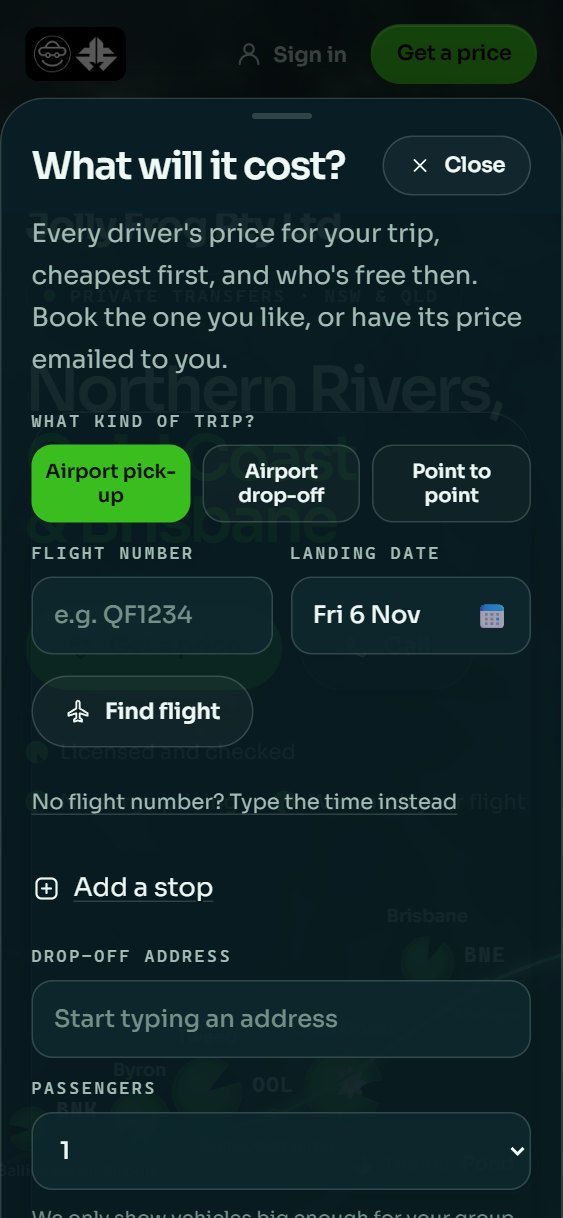
Every driver's price for the trip, cheapest first, and who's free then: for an airport pick-up from the flight number, or with up to three stops on the way, for up to seven passengers.
The rider books the price they like, or has it emailed to them.
2Book on the siteA texted code confirms it.
Booking takes a name and a mobile, and a code texted to that mobile confirms it, or no code at all once the rider is signed in.
They agree to the operator's own rider terms, and the operator confirms the booking.
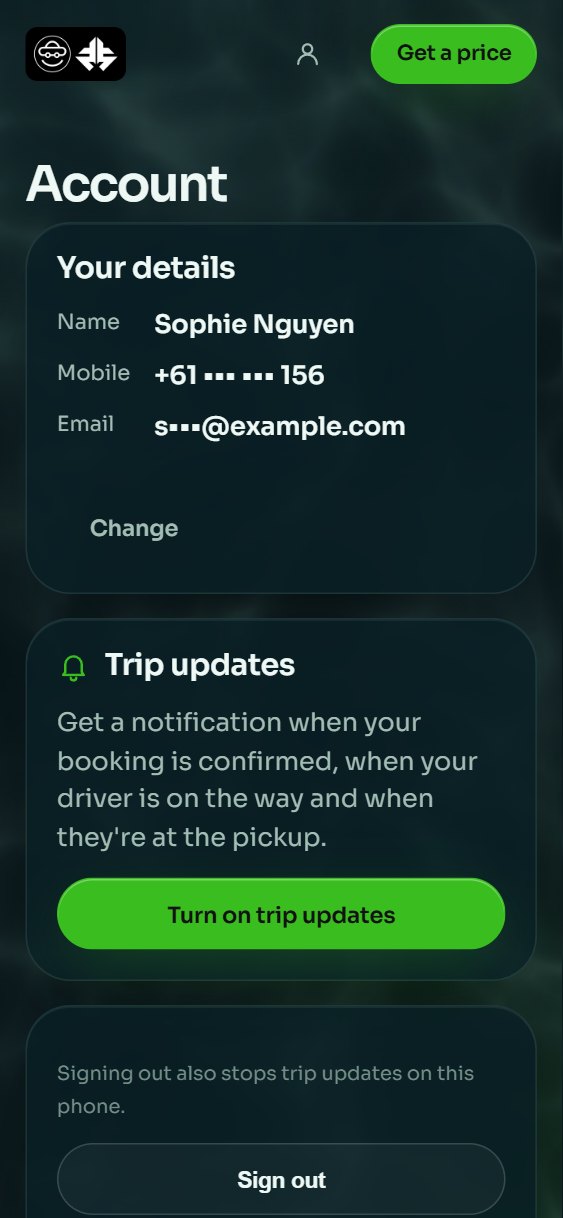
3One sign-in, and AccountThe mobile they book with. No password.
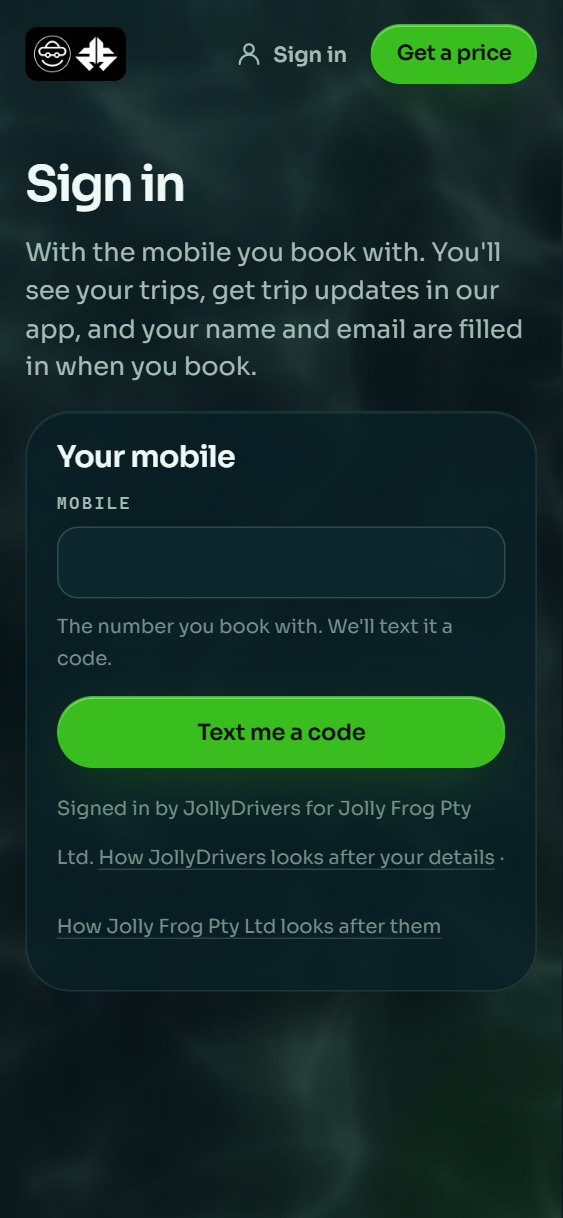
Riders sign in with the mobile they book with and a texted code, and once they've booked they can stay signed in on their phone.
Account holds their details, which they can change, and lets them forget that phone.
4Your tripsThe next trip, the driver and the car.
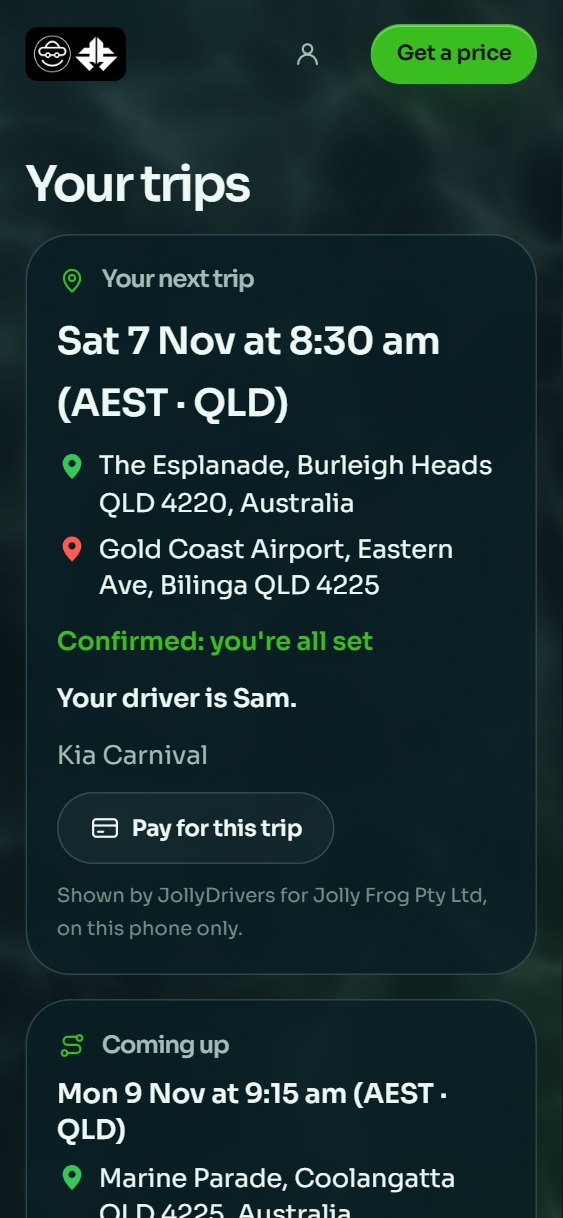
The next trip and what's coming up, with the driver and the car once it's confirmed. A request the operator hasn't confirmed yet can be cancelled from there.
It never shows the fare or anyone's phone number.
5Follow your carThe driver's last update, and the tracking page.
While the trip is under way, it says what the driver's last update said, and Follow your car opens the trip's own tracking page, with a map of where the car was then.
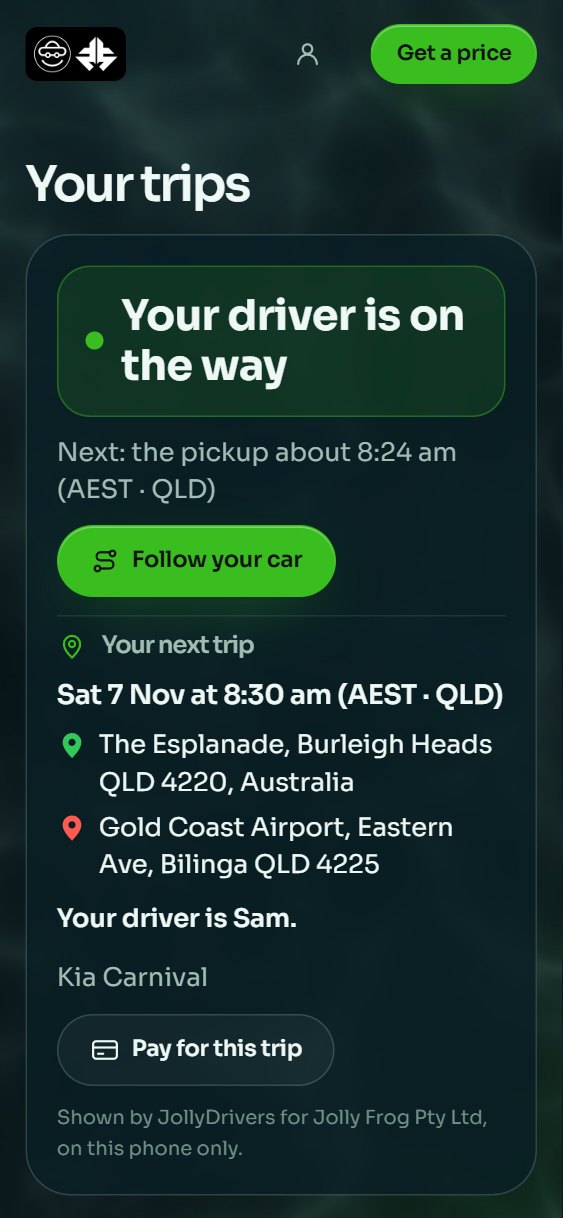
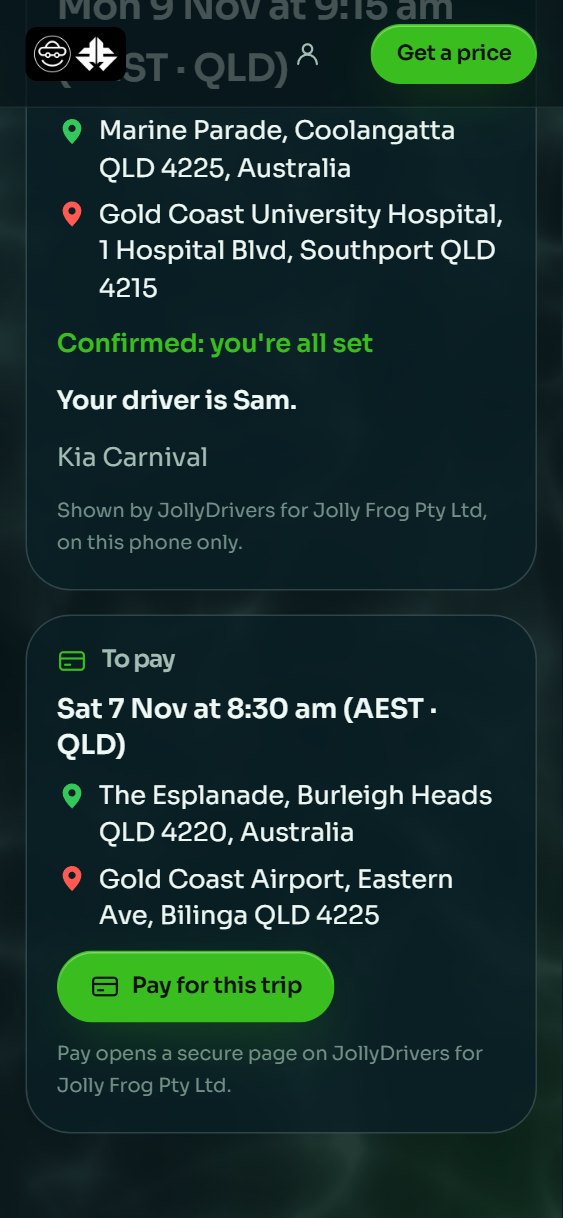
6PayA secure page, in the operator's name.
From the trip, Pay for this trip opens a secure page on JollyDrivers for the operator, and finished trips still to pay are listed there too.
7Trip updatesConfirmed, on the way, at the pickup.
With the app on their phone, riders can turn on trip updates: a notification when the booking is confirmed, when the driver is on the way and when they're at the pickup.
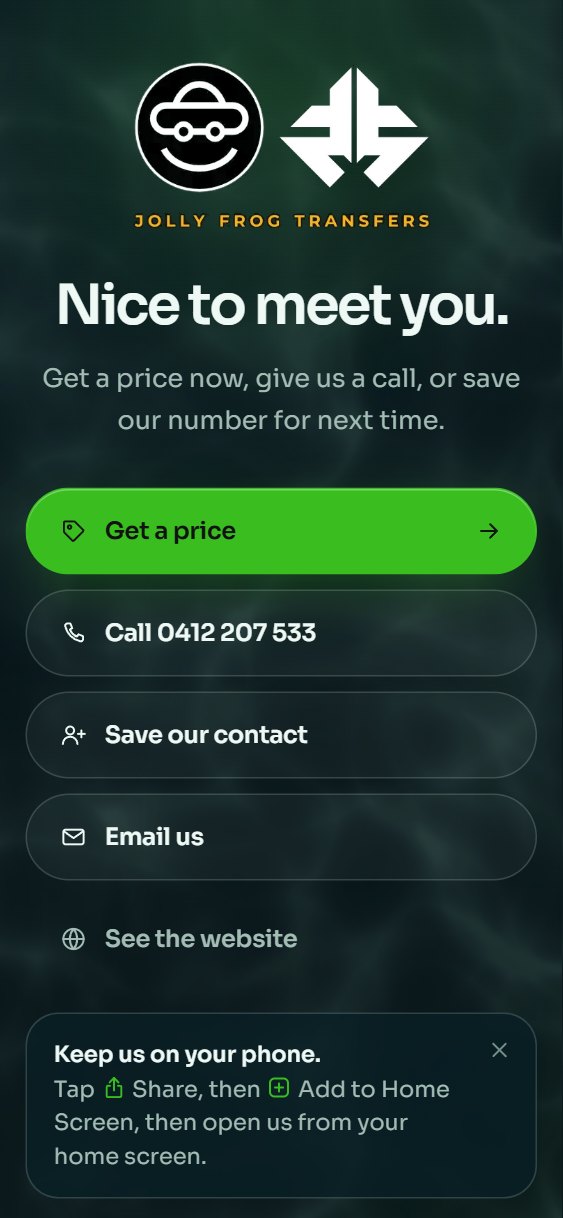
8On the rider's phoneFrom the browser, in the operator's name.
Riders put it on their home screen from the browser, under the operator's own name and icon, with Home, Price, Trips and Account along the bottom.
Its pages open with no signal; prices, booking and trips need one.
9What the operator setsName, colours, words, terms and drivers.
In JollyDrivers the operator sets the website's address, look and colours, its headline and contact details, the areas it covers, its featured trips, and its terms and privacy policy.
Their BEA and BSP numbers show in its footer, and a driver appears on it only when the operator features them and the driver has said yes.
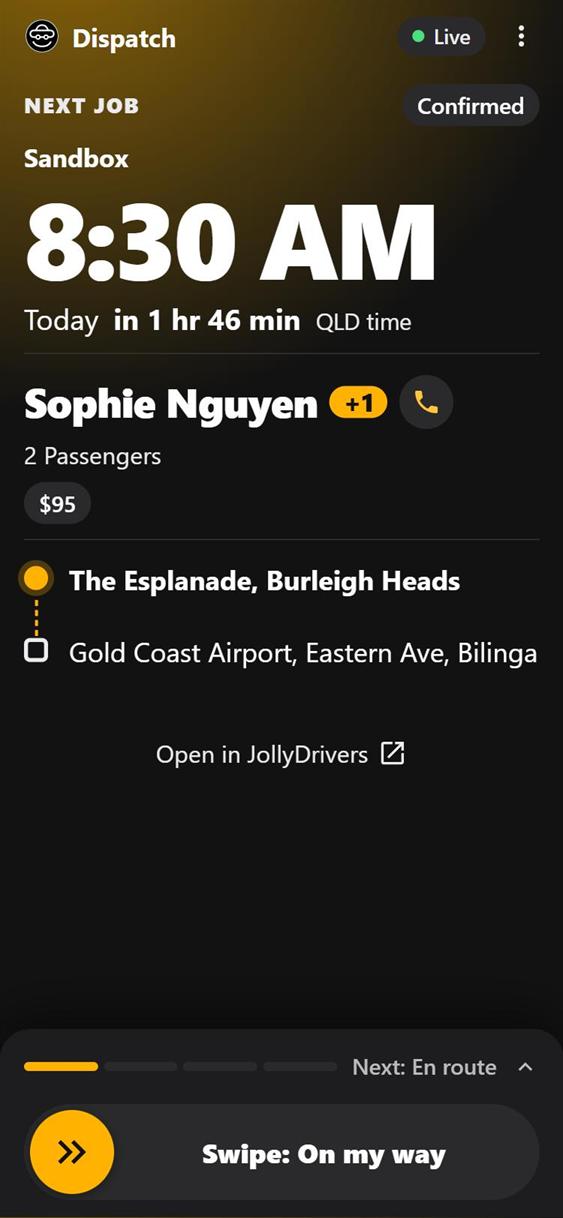
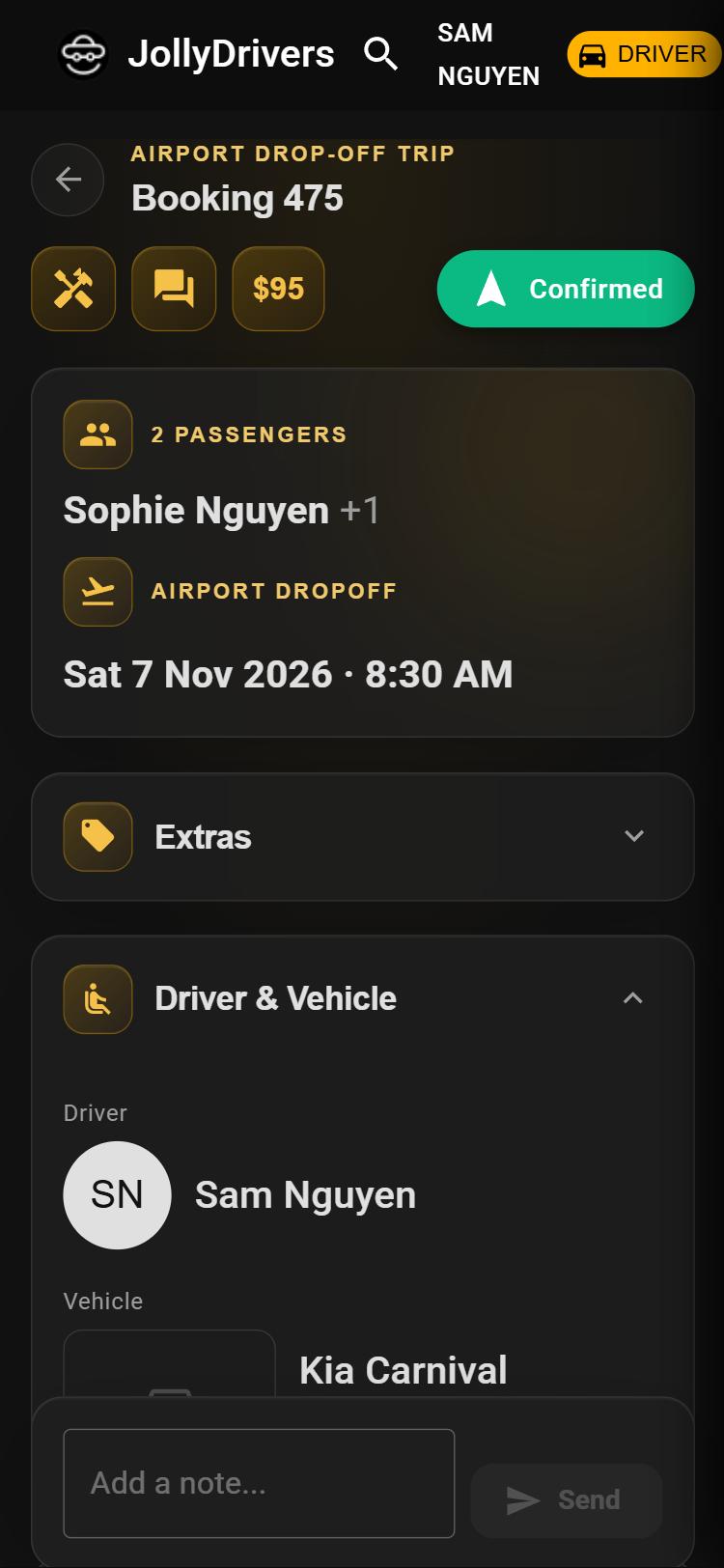
Your own Rider app, kept current by JollyDrivers.
JollyDrivers is in closed beta. Operators join by invitation, so this starts with a conversation, not a form.
Talk to us about your operator