 JollyDrivers

The Driver app
The job in front of you.
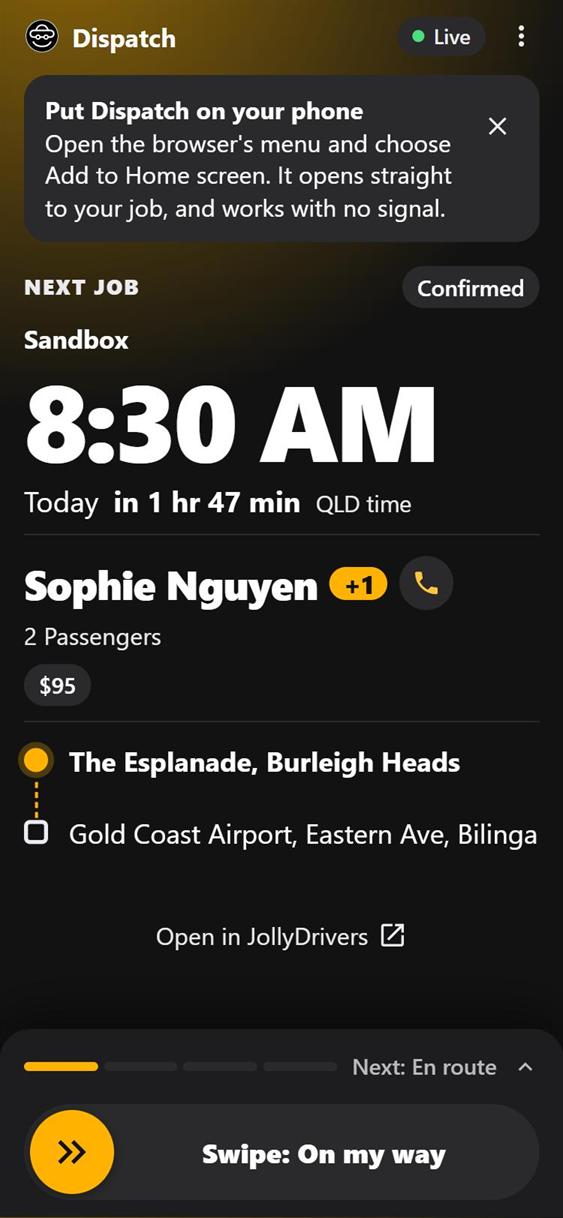
On the driver's phone: when, who, where, and one swipe for each stage of the trip, even with no signal.
Being given out driver by driver during the beta, and Ask is being tried with a few drivers first. On the phone it's called Dispatch, at dispatch.jollydrivers.com.au.
What it does
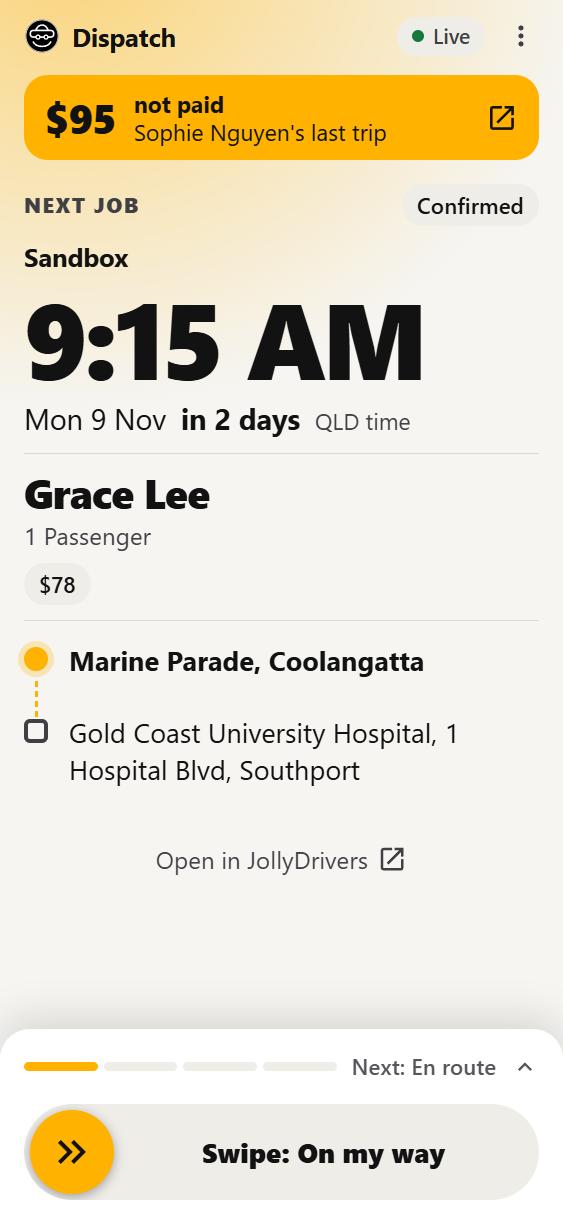
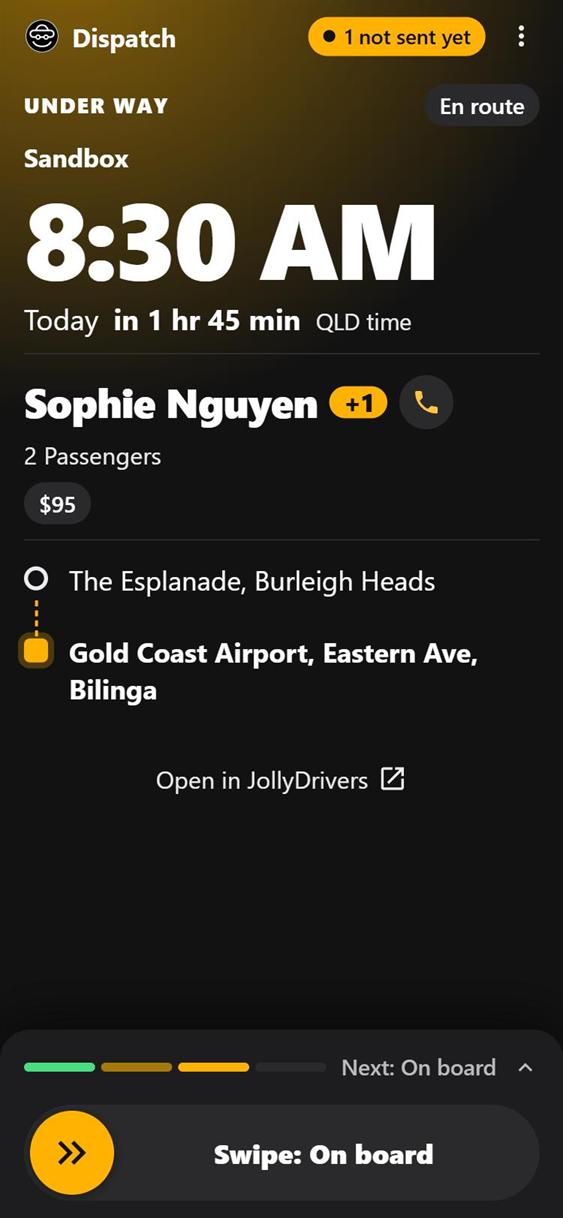
1The job in front of youWhen, who, where and the fare, read at arm's length.
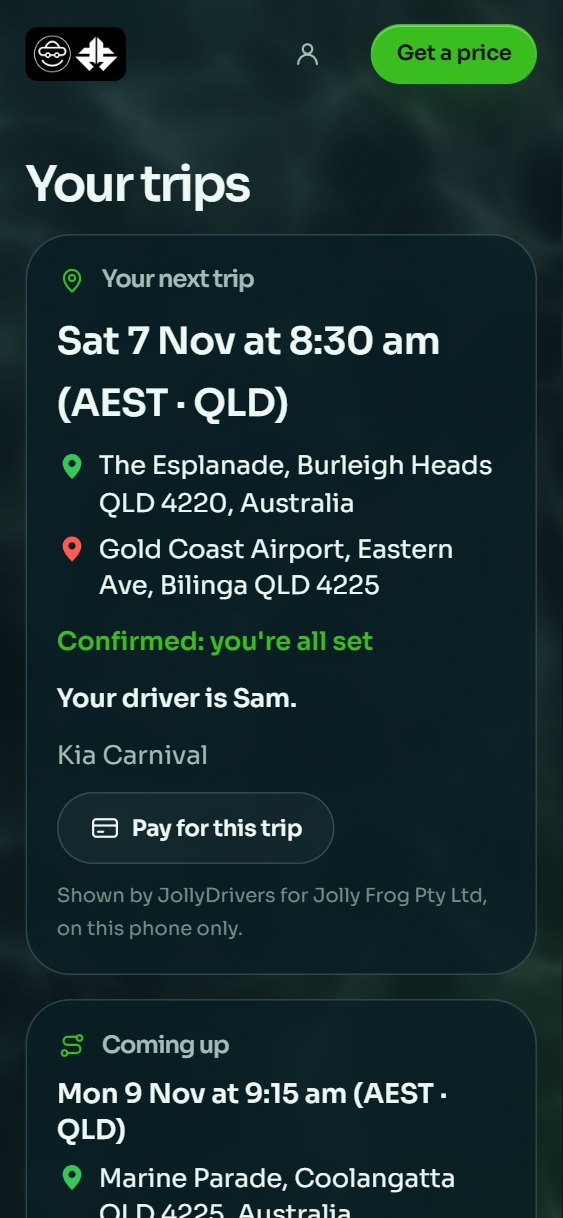
One job at a time: the next one across every operator you drive for, with when, who, where and the fare.
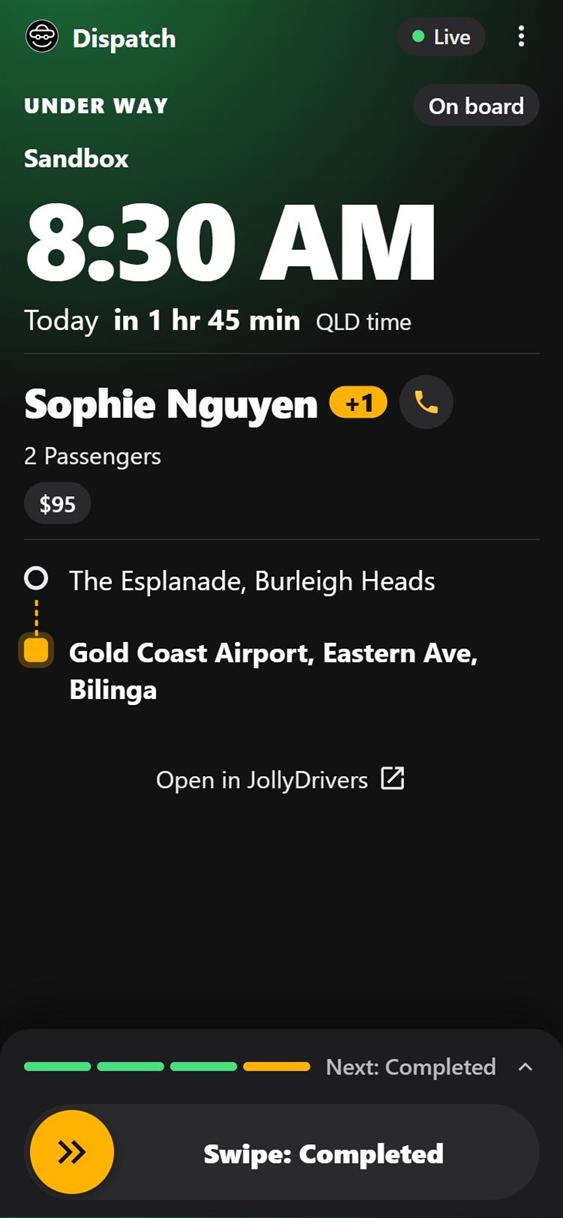
The glow behind it follows the trip: amber, then green once they're on board, and red when you're running late.
2Directions, Call and TextTap a stop or the passenger's name.
Tap any stop on the route for directions to it in Google Maps.
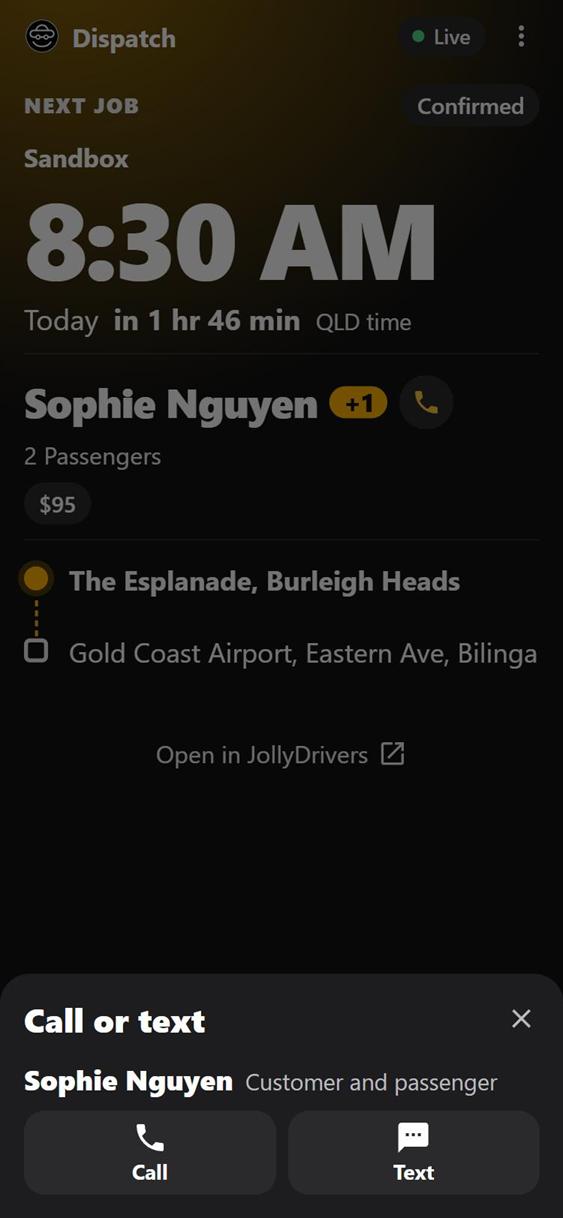
Tap the passenger's name for Call and Text, for each person the trip lets you reach: the passenger, and the customer when someone else booked. Call and Text open your phone's own.
3A swipe for each stageOn my way, I'm here, on board, completed. With Undo.
Drag the swipe, or hold it, for each stage: on my way, I'm here, on board, completed. You have five seconds to undo it.
A swipe that looks early asks first, and a no-show stays locked until you're at the pickup after its time. Each swipe lands on the trip in JollyDrivers with its time.
4No signal? Keep swipingKept with its true time, sent when you're back.
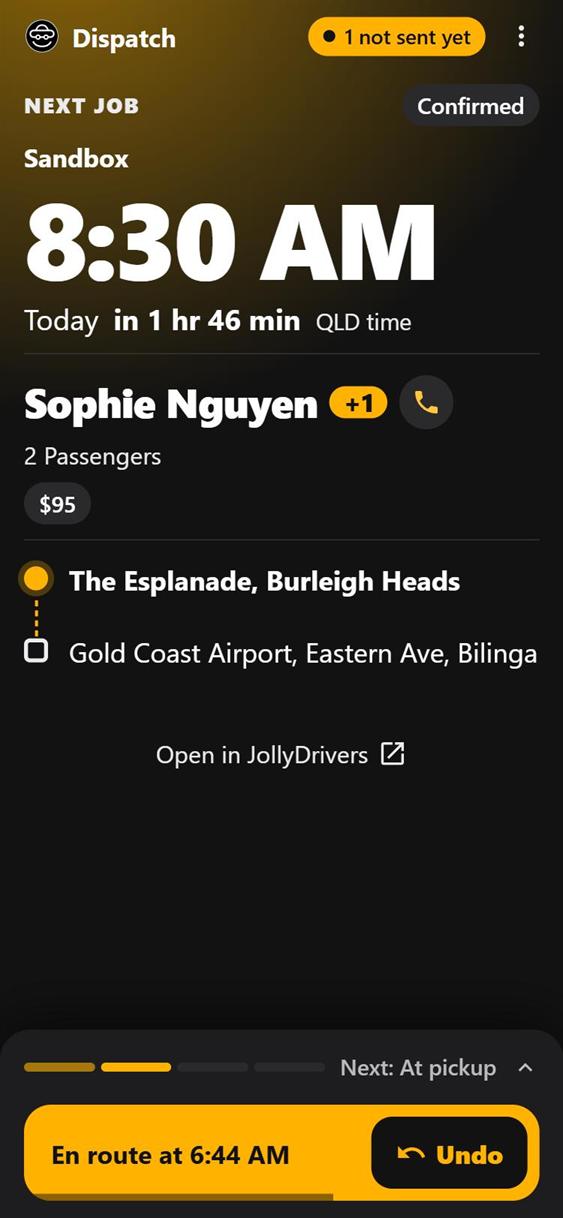
A swipe made with no signal is kept on the phone with the time you made it, and the next stage opens.
The bar at the top says how many are waiting, and they send themselves, oldest first, when the signal comes back.
5The flight, on an airport jobThe flight number, and the flight's status.
On an airport job the flight number is on the job, and the flight sits on the route too: on time, delayed or landed, and how long ago that was checked.
Press Check for the latest. Checks open 12 hours before, and JollyDrivers paces how often.
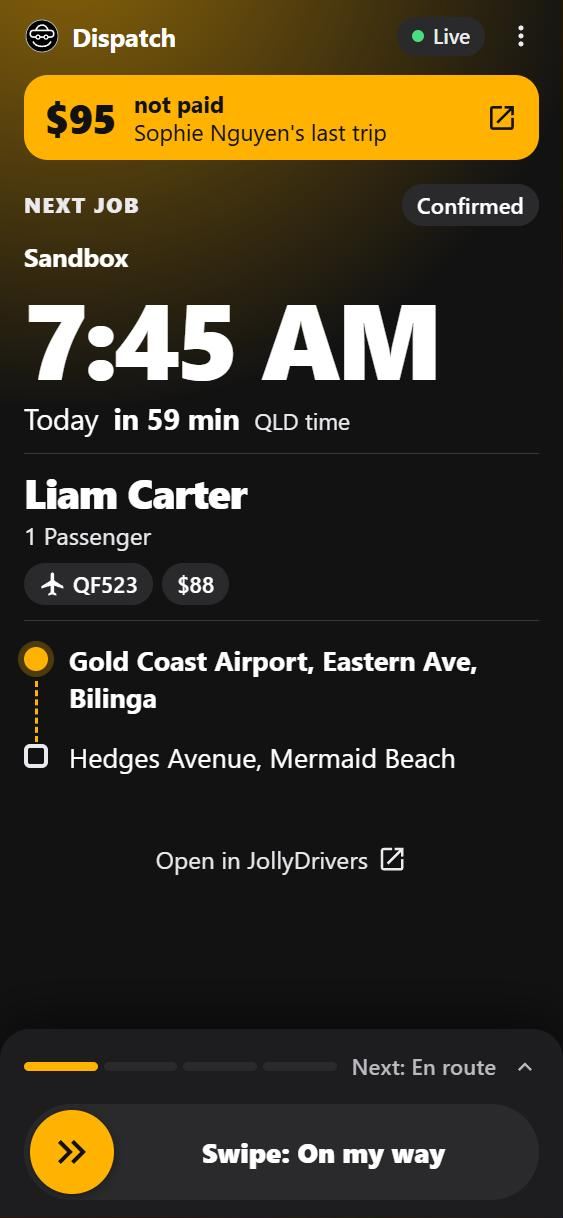
6After the tripA card when the last trip isn't paid.
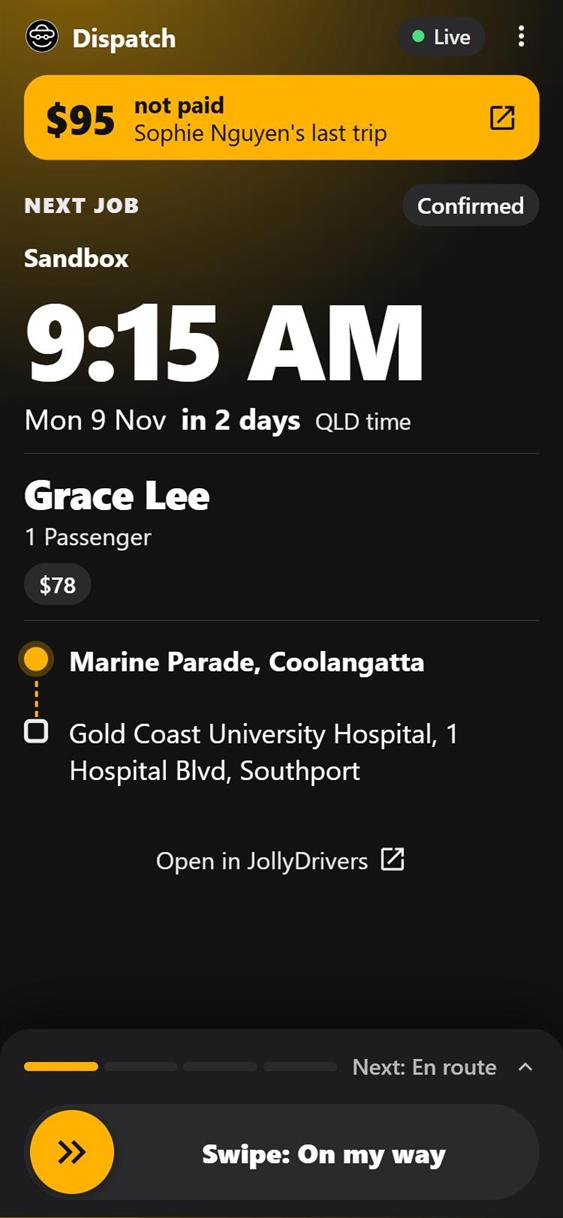
If your last trip isn't paid, a card says so above your next job, and opens that trip in JollyDrivers.
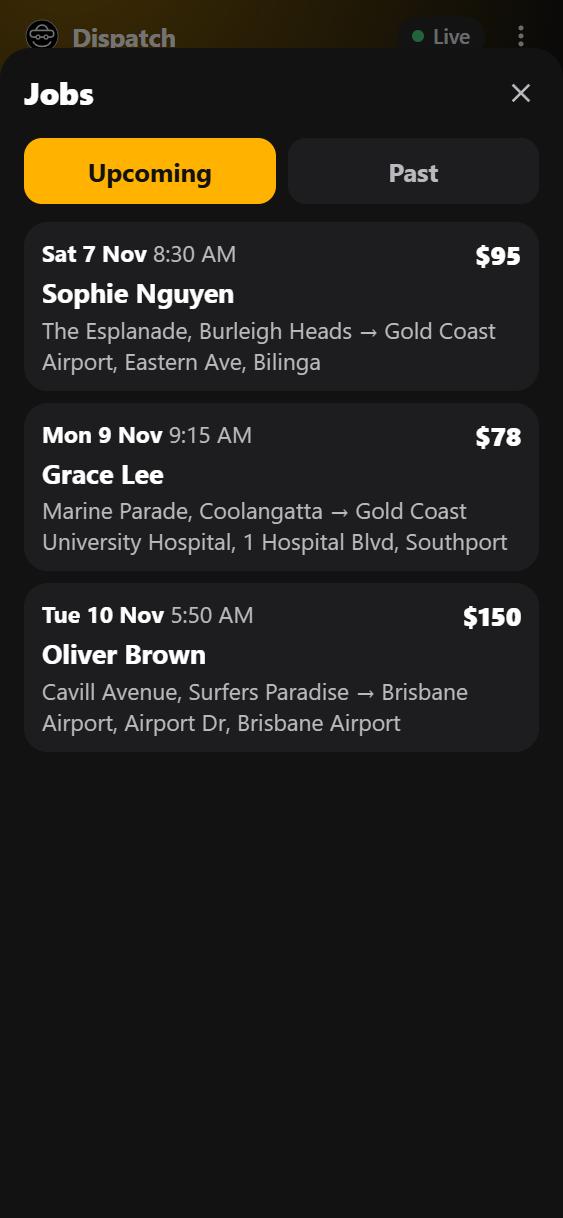
7Your jobsUpcoming and past, across every operator.
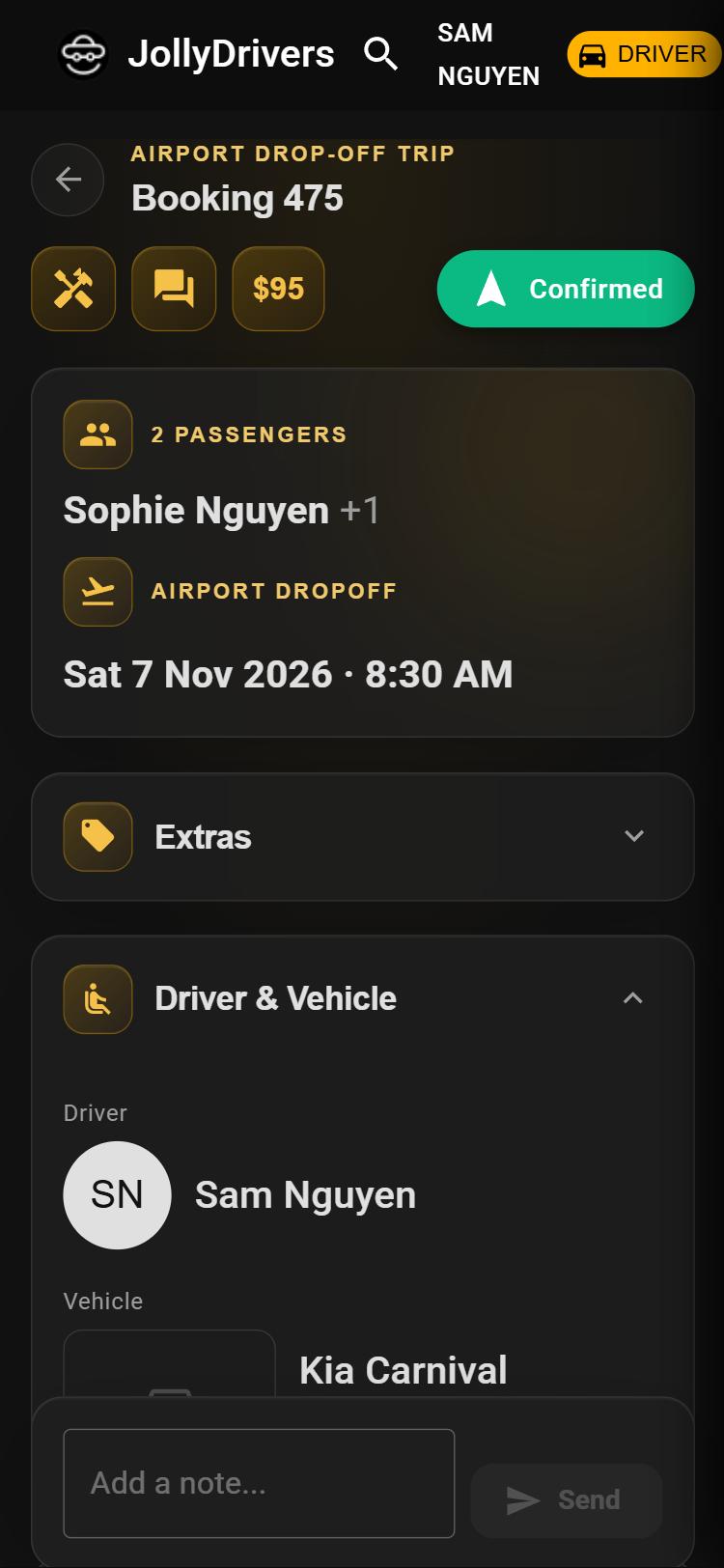
Every job ahead of you, soonest first, and every one behind you, across every operator you drive for. Each one opens in JollyDrivers.
8AskYour documents, cars and hours, in plain words.
Ask about your documents, qualifications, vehicles and driving hours: “What's missing?”, “What expires soon?”, “Has each operator cleared me?”.
It can pass a problem on to the JollyDrivers team, and nothing is sent until you press Send. It uses an AI service, and says so before your first question.
9On your phoneFrom the browser, with no app store.
Put it on your home screen from the browser, with no app store. It opens straight to your job and works with no signal.
Sign in with the same sign-in as JollyDrivers: your phone code or Google. It follows your phone's light or dark setting.
Drive with an operator on JollyDrivers.
JollyDrivers is in closed beta. Drivers join by invitation, so this starts with a conversation, not a form.
Ask to join as a driver